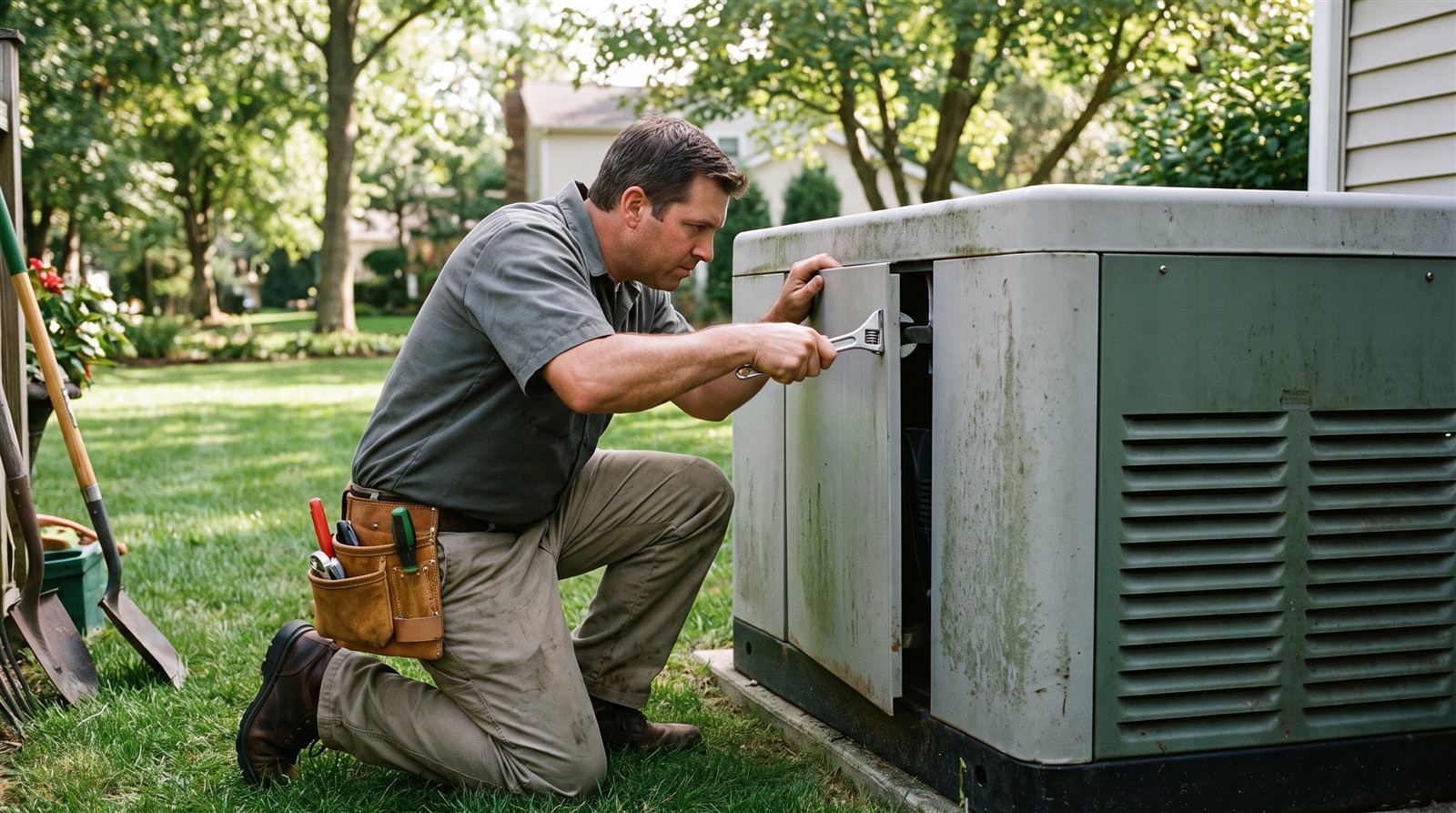
Many modern standby generators include a Wi-Fi-connected monitoring app that reports self-test results, fuel level, maintenance alerts, and fault codes directly to your phone, which is a genuinely useful feature until the connection itself stops working. A generator app losing its Wi-Fi connection doesn’t usually mean the generator has a mechanical problem; more often it’s a network or account issue similar to what causes any smart home device to drop offline, and it’s worth working through before assuming something is wrong with the generator itself.
Understanding What the App Connection Actually Does
It’s worth clarifying upfront that your generator’s core functions, the weekly self-test, starting during an outage, and transferring your home’s electrical load, do not depend on the Wi-Fi connection or the app. These are controlled locally by the generator’s own control board. The app connection exists to give you remote visibility and alerts, which is valuable, but a dropped app connection is an inconvenience for monitoring, not a sign that the generator itself has stopped working correctly. That said, restoring the connection is worth doing promptly, since app alerts are often how homeowners learn about a developing fault code in the first place.
Step-by-Step Troubleshooting Process
- Check your home Wi-Fi network first: confirm other devices on the same network are connecting normally. If your broader home network is down or your router recently rebooted, the generator’s module will need to reconnect just like any other smart device.
- Check the generator’s signal strength and distance from your router: standby generators are installed outdoors, often farther from your router than typical smart home devices, and thick exterior walls or metal enclosures can weaken a Wi-Fi signal significantly.
- Restart the generator’s Wi-Fi module if the app or manual provides a way to do so: many models have a specific reset procedure for the communication module, separate from the generator’s own run/auto/off switch. Check your manual rather than guessing at a reset method.
- Confirm your home router hasn’t changed network name or password: if you recently changed your Wi-Fi network name or password, replaced your router, or your internet provider reset your equipment, the generator’s module will need to be reconnected with the updated credentials through the app’s setup process.
- Check for an app or firmware update: outdated app versions occasionally lose compatibility with the generator’s communication module after a backend update from the manufacturer. Check your phone’s app store for a pending update to the manufacturer’s app.
- Verify your account and generator pairing in the app: confirm the app shows your generator listed and paired correctly, since an account-level sync issue can sometimes look like a connectivity problem even when the physical connection is fine.
- Consider Wi-Fi range: if the generator sits at the edge of your home Wi-Fi’s range, a mesh network extender or a dedicated access point positioned closer to the unit can meaningfully improve connection reliability, similar to solutions used for other outdoor smart devices.
- Contact manufacturer support if the connection still won’t restore: if you’ve worked through network and app-level troubleshooting without success, the communication module itself may need professional attention, which is a job for your service provider or the manufacturer’s support line rather than something to keep troubleshooting indefinitely on your own.
When a Connectivity Issue Might Signal Something Else
If the app connection drops at the same time you notice other symptoms, like a fault code appearing right before it went offline, or the self-test behaving differently, treat those symptoms on their own merits rather than assuming they’re related to the connectivity issue. A coincidental timing between a Wi-Fi dropout and a genuine mechanical or electrical fault is possible, so don’t let troubleshooting the app become a distraction from addressing a fault code or unusual behavior that needs professional attention.
Reducing Future Connectivity Issues
A few habits reduce how often this problem recurs: keeping your home router’s firmware updated, avoiding frequent network name or password changes without also updating connected devices, and considering a stronger Wi-Fi signal solution if your generator sits at the far edge of your home’s coverage from the start. If you’re having the generator installed for the first time, it’s reasonable to ask your installer about typical Wi-Fi signal strength at the planned pad location before installation, especially on larger properties.
Key Takeaways
- A dropped app connection does not affect the generator’s core functions; the weekly self-test and outage response are controlled locally, not through Wi-Fi.
- Start troubleshooting with your home network and router before assuming a problem with the generator’s communication module.
- Router or password changes require re-pairing the generator’s Wi-Fi module with the updated network credentials.
- Signal strength at the generator’s outdoor location is a common culprit; a mesh extender or dedicated access point can help.
- If a fault code or unusual behavior appears alongside a connectivity drop, address that on its own merits rather than assuming it’s just a Wi-Fi issue.
Frequently Asked Questions
Will my generator still work during an outage if the app isn’t connected?
Yes. The generator’s self-test, automatic start during a power loss, and transfer switch operation are controlled by its own onboard control system, independent of the Wi-Fi connection or app. The app provides remote monitoring and alerts, but it isn’t required for the generator to function.
Why does my generator’s Wi-Fi connection keep dropping intermittently?
Intermittent drops are often related to signal strength at the generator’s outdoor location relative to your router, especially if there’s significant distance or physical obstruction between them. A mesh network extender positioned closer to the unit is a common fix.
I changed my home Wi-Fi password. Do I need to do anything for the generator?
Yes, most generator Wi-Fi modules need to be manually re-paired with the network any time the network name or password changes, similar to reconnecting a smart thermostat or other Wi-Fi-connected home device. Use the manufacturer’s app to walk through the reconnection process.
Can I fix a Wi-Fi module problem myself, or does it need a technician?
Basic troubleshooting, like checking your home network, restarting the module through the app if supported, and re-pairing after a password change, is reasonable for a homeowner to attempt. If those steps don’t resolve it, contact the manufacturer’s support line or your service provider rather than opening up the generator’s control panel yourself.
Does a Wi-Fi connectivity issue mean my generator needs a repair?
Not typically. Connectivity issues are usually related to home network conditions or the communication module specifically, not the generator’s mechanical or engine systems. If you’re also seeing unrelated fault codes or performance changes, treat those as separate issues worth reporting to a technician.